Someone installs one app
The same product is on the App Store and Play Store. Brand, account, and main tasks match.
One build. Native feel. Both app stores.
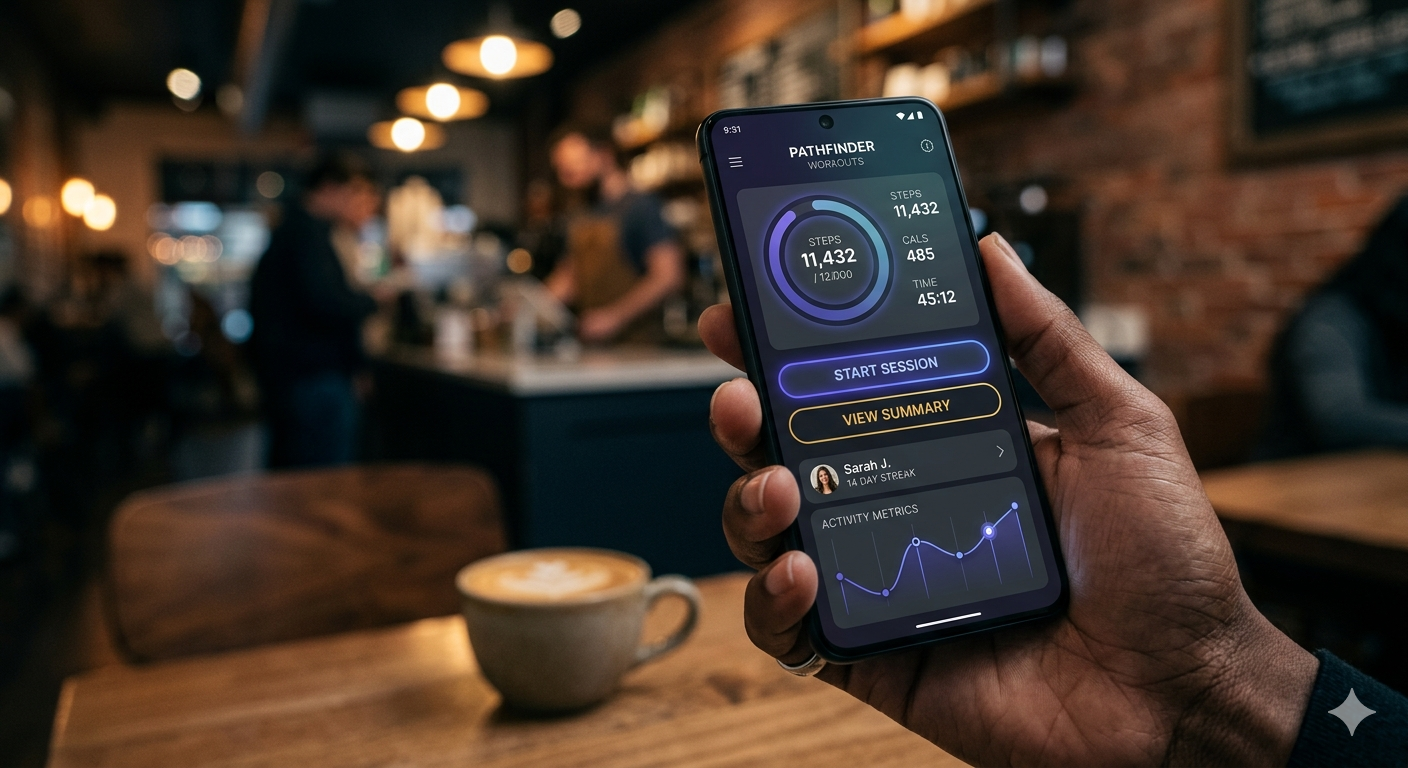
One product your customers install on iPhone and Android. It feels at home on the phone: camera, lock screen, and alerts included, without paying for two separate builds.
06Both
App stores
Offline
Work without signal
Native
Camera and alerts
The system
One product your customers install on iPhone and Android. It feels at home on the phone: camera, lock screen, and alerts included, without paying for two separate builds.
Built for
Businesses that need customers or staff on a phone, and do not want to fund two separate app teams.
A working day
The path a real job takes through Mobile Apps (iOS & Android), from the first action to the record everyone can trust.
The same product is on the App Store and Play Store. Brand, account, and main tasks match.
Camera, fingerprint, and alerts are used where they save a step. The app does not pretend to be a shrunk website.
The last records stay on the device. New changes wait, then send when the connection returns.
An order, a booking, or a message opens that item, not a generic home page the person must search.
Modules
Who opens each part, and what they can actually do there.
iPhone and iPad customers
The iPhone and iPad build, prepared for App Store review and the gestures Apple users expect.
Android customers
The same product on Android phones, adjusted for the range of screen sizes your customers actually own.
People away from a strong signal
The parts of the app that still work in a warehouse, a car, or a weak connection.
Customers and field staff
Alerts that earn the lock screen: orders, appointments, and messages, not noise.
The roadblock
Paying separate teams to build separate apps for iPhones and Android devices doubles your budget and causes frustrating feature delays.
The working version
We design beautiful, highly responsive mobile systems from a single master layout. Your app will react smoothly to touch gestures, utilize native phone cameras for easy file uploads, and handle push notifications beautifully.
Delivery
We cut the desktop product down to the tasks people will actually do standing up or in a vehicle.
iOS and Android layouts are reviewed together so one platform is not an afterthought.
Not only a simulator. Weak signal, a small Android phone, and an iPhone with large type are part of the pass.
Listings, screenshots, and the notes Apple and Google ask for are prepared with the build.
Included
One smart build that deploys perfectly on both Apple and Android stores
Easy fingerprint or facial verification options for quick logins
Maintains strong offline modes so users can work even without Wi-Fi
Includes beautiful animated notifications to keep customers engaged
Next step
Tell us how the work runs today. We map the modules, the people, and the first week before anything is built.